


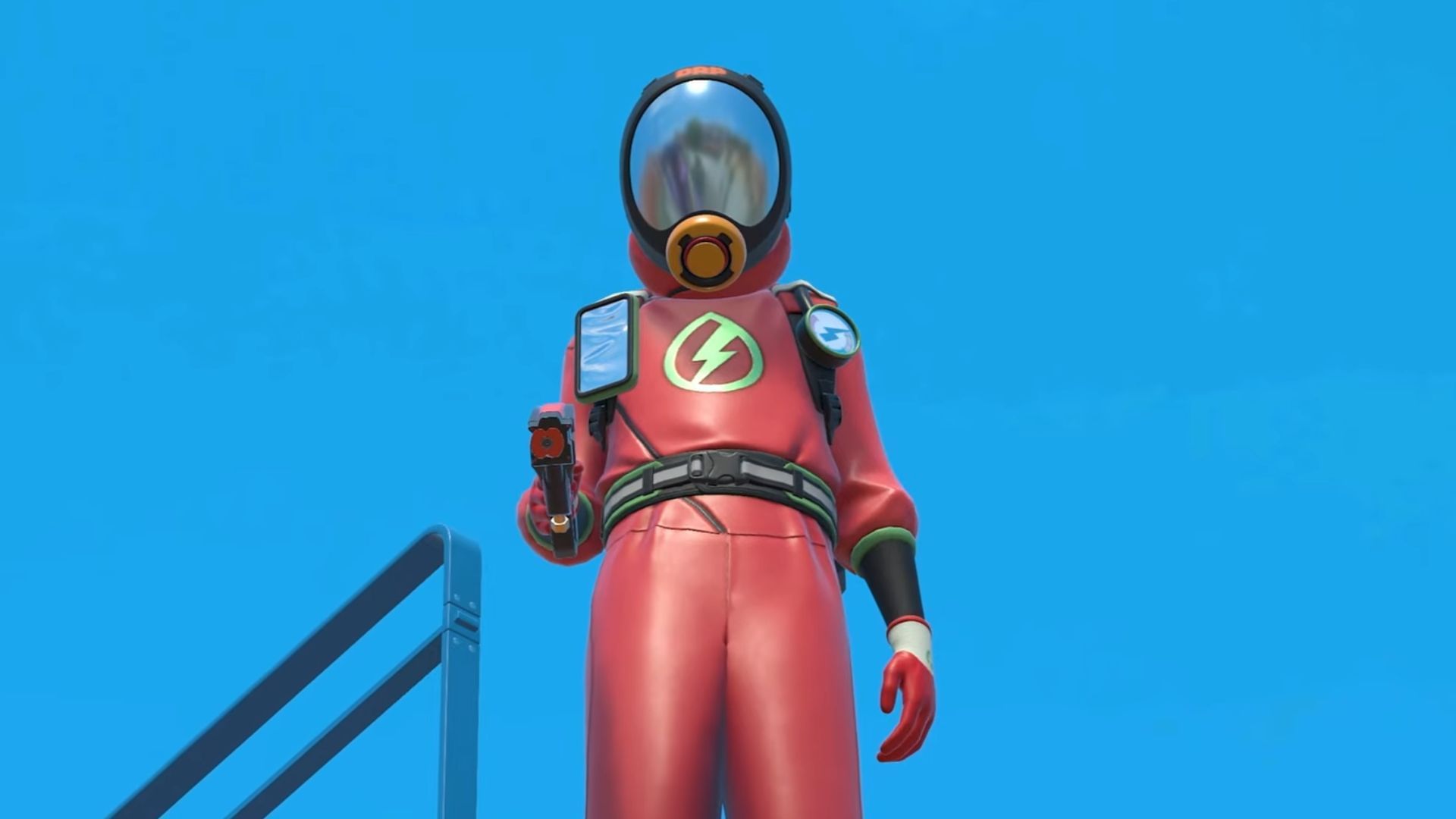
PowerWash Simulator 2 Multiplayer Not Working: Fixes and Possible Reasons
PowerWash Simulator 2 has rapidly gained popularity, allowing players to indulge in a satisfying cleaning experience as they blast away dirt and grime. However, an issue many players are encountering is the multiplayer mode not functioning as expected. If you’re facing problems connecting with friends or accessing multiplayer features, you’re not alone. This article delves into the reasons why PowerWash Simulator 2 multiplayer might not be working and explores the fixes to get you back to spraying away in no time.
Common Reasons for Multiplayer Issues in PowerWash Simulator 2
-
Server Downtime
One of the most common reasons for multiplayer issues is server downtime. The developers may be performing maintenance or experiencing unexpected outages. Checking the official social media channels or forums can provide real-time updates on server status. -
Network Issues
A stable internet connection is crucial for multiplayer gaming. Network interruptions, slow connection speeds, or router issues can hinder your ability to connect with friends. Ensure your Wi-Fi or Ethernet connection is stable and that you’re not experiencing high latency. -
Game Version Mismatch
Playing with friends requires all players to be on the same game version. If one player has an outdated version due to not installing the latest patch, they won’t be able to join your game. Always ensure everyone is updated to the latest version of PowerWash Simulator 2. -
Firewall or Antivirus Blocking
Sometimes, security software can prevent multiplayer connections. Firewalls and antivirus programs might mistakenly identify the game as a threat, blocking its access to the internet. Temporarily disabling these can help identify if they’re the issue. -
Account Restrictions
Make sure that your gaming account is in good standing and has permission to access online features. Sometimes, parental controls or other account restrictions can prevent access to multiplayer options.
Fixes for PowerWash Simulator 2 Multiplayer Problems
-
Check Server Status
Start by checking the official website or relevant social media pages to see if there are any ongoing server issues. If server downtime is confirmed, you might just need to wait until it’s resolved. -
Reboot Your Router
A simple restart of your modem or router can clear up connection issues. Simply unplug the device, wait for 30 seconds, and plug it back in. This can refresh your network connection and resolve many connectivity problems. -
Update the Game
Always ensure that your game is up to date. Steam or other gaming platforms usually notify you of available updates, but you can also manually check for updates in your game library. -
Adjust Firewall Settings
If you suspect your firewall or antivirus might be causing issues, try adding PowerWash Simulator 2 to the list of allowed apps. Consult your software’s manual for instructions on how to adjust these settings safely. -
Check Your Connection
Run a speed test to ensure that your internet connection meets the requirements for online gaming. If your speed is low or unstable, consider switching from Wi-Fi to a wired connection or contacting your internet service provider. -
Reinstall the Game
If all else fails, uninstalling and reinstalling PowerWash Simulator 2 can remedy deeper software issues. Just remember to back up any saved data if necessary.
Conclusion
Multiplayer mode in PowerWash Simulator 2 can be a great way to enjoy the game with friends, but issues can arise that may disrupt the experience. By understanding these common problems and utilizing the fixes provided, you’ll be better equipped to troubleshoot and resolve multiplayer issues effectively. Return to the satisfaction of a sparkling clean world with friends in no time!
SEO Best Practices and Keywords
To enhance the visibility of this article, strategic placement of high CPC (Cost Per Click) keywords such as “PowerWash Simulator multiplayer issues,” “fix PowerWash Simulator 2 multiplayer,” and “PowerWash Simulator 2 connectivity problems” throughout the content can significantly benefit your search rankings. Engaging with community forums, utilizing social media platforms, and ensuring consistent updates related to PowerWash Simulator can also boost audience engagement.
By addressing these common issues and providing clear solutions, this article aims to help you get back into the fun of PowerWash Simulator 2 while enhancing its visibility on search engines, leading to a satisfying gaming experience once more.
About the Author

