


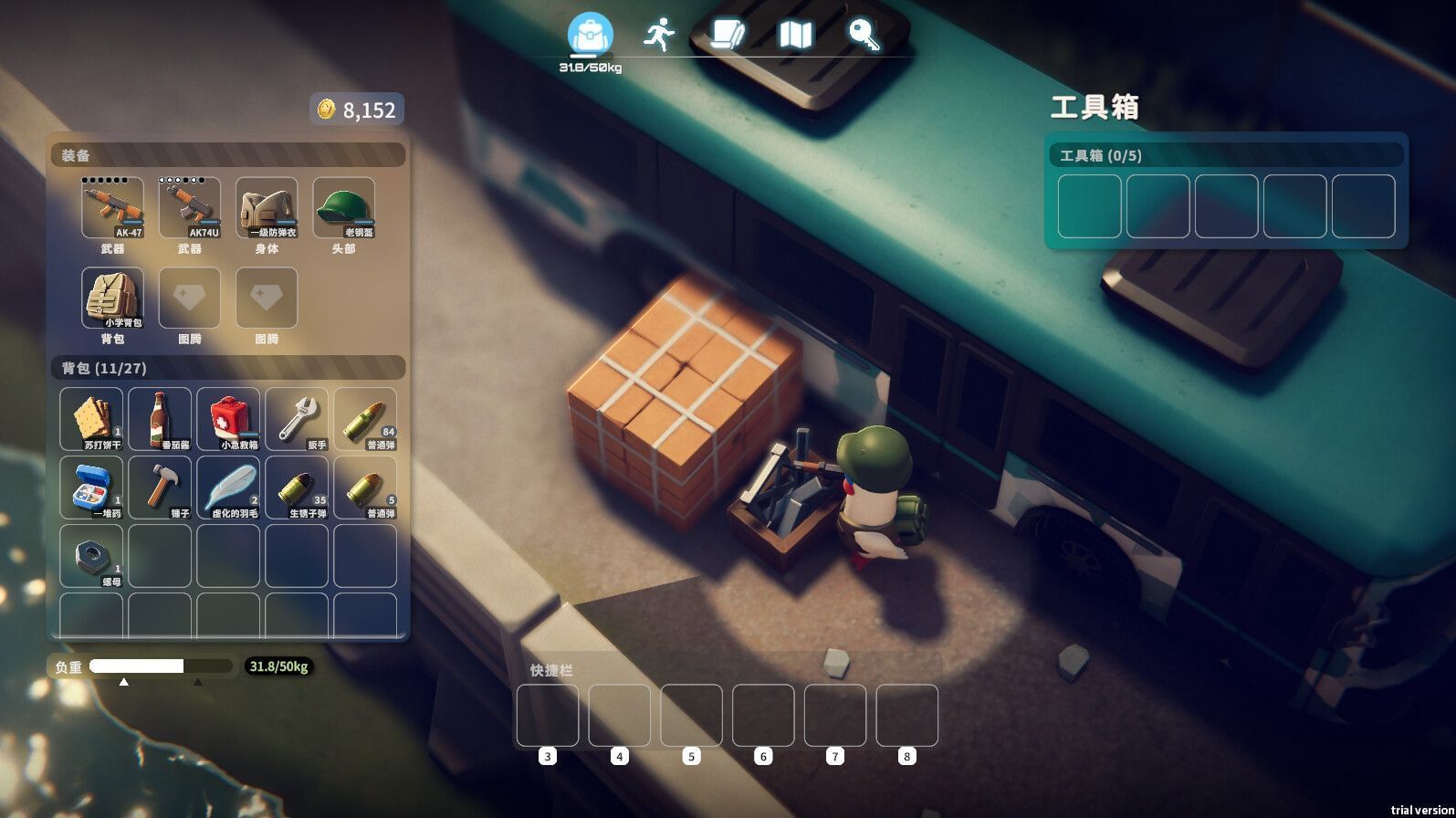
Escape from Duckov Crashing on PC: Possible Reasons and Fixes
Introduction
Are you faced with the frustrating challenge of Escape from Duckov crashing on your PC? You’re not alone. Many players encounter this error, leading to interruptions in gameplay and a significant loss of immersion. In this comprehensive guide, we will explore the possible reasons behind this issue and provide effective fixes to help you get back into the action seamlessly.
Common Reasons for Crashing
Understanding why Escape from Duckov crashes can often lead you to the right solution. Here are some common causes:
1. Outdated Graphics Drivers
One of the primary reasons for game crashes is outdated or corrupt graphics drivers. As the game industry progresses, developers release new versions of drivers to enhance performance and fix bugs. If your drivers are outdated, it could lead to instability during gameplay.
2. Insufficient System Requirements
Every game comes with specific system requirements. If your PC doesn’t meet these requirements, you might experience frequent crashes. Make sure your hardware specs meet or exceed the minimum requirements for Escape from Duckov.
3. Corrupted Game Files
Sometimes, game files may become corrupted during the installation or update process. This can lead to numerous issues, including crashing. Ensuring your game files are intact is crucial for uninterrupted gaming.
4. Conflicting Software
Certain background applications or overlay software can conflict with the game, causing it to crash unexpectedly. Popular applications include screen recorders, overlay systems like Discord, or even antivirus programs.
5. Overclocking Issues
If you have overclocked your CPU or GPU, it might lead to instability and crashes. While overclocking can improve performance, it can also cause overheating and system errors.
6. Temperature Overheating
When your computer’s hardware overheats, it can cause the system to crash to prevent damage. Issues with cooling systems or dust buildup can lead to unwanted thermal throttling.
Effective Fixes for Crashes
Now that we’ve discussed the potential causes, let’s dive into some effective solutions to resolve the crashing issue in Escape from Duckov.
1. Update Graphics Drivers
Always ensure your graphics drivers are up to date. You can download the latest drivers from the manufacturer’s website (NVIDIA, AMD, Intel). This simple step can resolve many performance-related issues.
2. Check System Requirements
Verify that your PC meets or exceeds the game’s requirements. If not, consider upgrading hardware components such as RAM, GPU, or CPU.
3. Verify Game Files
Most gaming platforms, like Steam or Epic Games, provide an option to verify the integrity of game files. Doing so can help repair or replace any corrupted files.
- Steam Instructions: Right-click the game in your library > Properties > Local Files > Verify Integrity of Game Files.
4. Disable Conflicting Software
Try closing background applications that might interfere with the game. Consider disabling any overlays and check if that resolves the issue. Additionally, temporarily disabling your antivirus can help to rule out conflicts.
5. Reset Overclocking Settings
If you’ve overclocked your hardware, revert to default settings. This can help restore stability and prevent crashes during gameplay.
6. Improve Cooling and Ventilation
Ensure your PC has proper ventilation and clean it regularly to prevent dust buildup. You can also check thermal paste on your CPU/GPU to ensure efficient cooling.
Conclusion
Crashing issues in Escape from Duckov can be frustrating, but understanding the possible reasons and applying effective fixes can provide a smoother gaming experience. Regularly updating your software and maintaining your hardware will go a long way in preventing future crashes. If problems persist, consider reaching out to the game’s support team or community forums for additional guidance.
SEO Considerations
To enhance your chances of being featured on Google Discover, consider incorporating high CPC keywords such as:
- “Escape from Duckov crash fix”
- “How to fix PC game crashes”
- “Game crashing solutions”
- “PC gaming troubleshooting tips”
By following these recommendations, you not only improve your game’s performance but also increase your visibility on search engines, leading to a better player experience and optimal engagement with your content.
By addressing both the possible causes and effective remedies for the crashing issue in Escape from Duckov, this article aims to assist players in navigating their gaming challenges while also optimizing content for search engines, fostering visibility and engagement.
About the Author

